

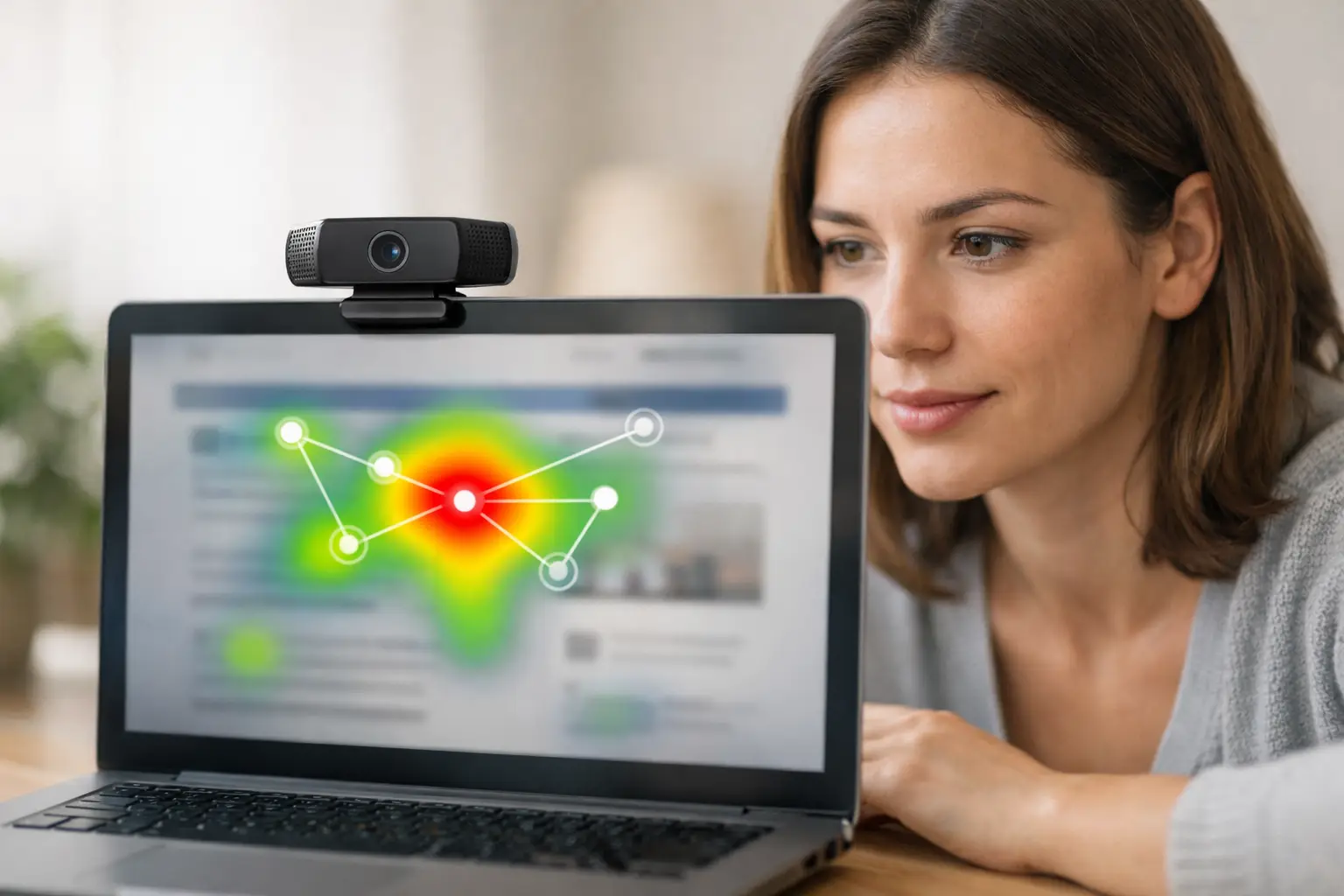
A creative can test well in a survey and still fail to earn attention. A product page can receive strong usability feedback while key information remains visually overlooked. This remote eye tracking guide helps research teams see that missing layer: where participants look, what they notice first, and whether critical visual elements are actually seen.
Remote eye tracking makes attention research practical for projects that cannot wait for lab scheduling, specialized hardware, or local recruiting. With a participant’s webcam and a browser-based study, teams can collect visual attention data alongside survey responses, mouse behavior, and task outcomes from people in their natural environments.
What Remote Eye Tracking Can Tell You
Eye tracking is most useful when a decision depends on visibility, hierarchy, or visual competition. It can show whether an ad’s brand appears before the message is processed, whether users notice a call to action, whether packaging claims stand out on a shelf image, or whether visitors find the navigation element they need.
The method does not read minds. A fixation indicates where attention was directed, not whether someone liked, understood, or agreed with what they saw. That distinction matters. The strongest studies pair gaze data with questions, behavioral tasks, or conversion-oriented measures. If participants look at a price but abandon a purchase task, eye tracking identifies the moment of attention while follow-up measures help explain the outcome.
Webcam-based methods also come with a trade-off. They are designed for scalable remote research rather than the highly controlled precision of a specialist lab. For most UX, advertising, content, and shopper research questions, that trade-off is valuable: teams gain broader samples, faster fieldwork, and more realistic viewing conditions. For research that requires measurement of tiny eye movements or clinical-grade precision, a controlled laboratory approach may still be the better fit.
Remote Eye Tracking Guide: Start With a Visual Question
A useful study begins with a question that can be answered by observed attention. Vague goals such as understanding the design produce vague analysis. Instead, define the visual decision you need to make.
For a homepage, the question might be whether new visitors notice the primary value proposition and next-step button without prompting. For an ad, it could be whether the product, brand, and offer are seen in the intended order. For a packaging test, ask whether shoppers notice the variant name, key benefit, and price within the first few seconds.
Choose one or two primary attention measures before building the study. Common choices include time to first fixation, total fixation duration, percentage of participants who viewed an area, and fixation count. The right measure depends on the question. A safety warning may need high visibility, while a purchase button needs to be found quickly. More time spent looking is not always better. Long attention on a form field, for example, can indicate confusion rather than engagement.
Build Stimuli for the Viewing Context
Use the materials people would genuinely encounter. Static images work well for concepts, packaging, search results, email layouts, and ad variations. Live website testing is better when scrolling, menus, forms, and interactions affect what a participant sees. Video studies can assess early branding, message visibility, and moments where attention shifts.
Keep presentation conditions consistent enough to make results comparable. If you are comparing two display ads, show them at the same approximate size and placement. If you are testing a website, decide whether desktop, mobile, or both represent the real use case. Mobile testing is especially useful when a large share of traffic comes from phones, but mobile and desktop findings should be analyzed separately. Their layouts, screen sizes, and browsing behavior are different.
Before launch, define areas of interest, often called AOIs. These are the regions you want to evaluate, such as a logo, headline, product image, promotional badge, price, or CTA. AOIs should reflect real research decisions, not every visual object on the screen. Too many regions create a crowded analysis and increase the chance of finding patterns that do not matter.
Design the Participant Experience Carefully
Remote participants need a clear, low-friction setup. Give direct instructions to use a supported device, enable their webcam, sit in adequate lighting, and remain reasonably still during calibration. Explain why camera access is needed and what will be collected. Clear expectations improve consent, reduce drop-off, and support better-quality sessions.
A typical study flow includes a welcome screen, consent, webcam check, calibration, stimulus exposure, task or survey questions, and a short closing section. Avoid putting long instructions directly before an unmoderated viewing task if you want spontaneous attention. A detailed brief can prime participants to search for an element they might otherwise miss.
For many creative tests, an initial exposure of five to 10 seconds is enough to capture first impressions. Longer exposure is appropriate when people would naturally spend more time with the material, such as product pages, long-form content, or video. The key is to match the study timing to the real-world moment you are trying to understand.
Use a pilot before recruiting the full sample. A small internal or external test can reveal broken stimuli, confusing wording, overly strict quality settings, or a calibration step that needs refinement. This is one of the quickest ways to protect fieldwork timelines.
Recruit for the Decision, Not Just the Number
Sample size should follow the level of confidence and segmentation your decision requires. An exploratory usability study may reveal clear visibility issues with a smaller group. A campaign decision involving several audience segments needs a larger, more balanced sample so differences are less likely to be random noise.
Recruit the people who are relevant to the stimulus. A financial services landing page may require people who manage household finances. A retail packaging study may need recent category buyers. General-population participants can be appropriate for broad awareness questions, but they may not represent a specialist audience or realistic purchase context.
Remote recruitment supports geographic reach and faster turnaround, but participant quality still needs active management. Set clear eligibility criteria, monitor completion patterns, and review whether the achieved sample matches your intended audience. Platforms such as RealEye can support self-serve studies, external panel recruitment, or panelist sourcing when teams need flexibility around who participates and how quickly fieldwork begins.
Protect Data Quality Without Over-Filtering
Quality checks are central to webcam-based eye tracking. Calibration accuracy, face visibility, camera position, lighting, device type, and participant movement can all affect the usable data collected. A good platform should flag sessions that fail quality thresholds so researchers can make consistent inclusion decisions.
Do not treat every imperfect session as unusable, and do not accept every completed session automatically. Review quality at both the study and individual-session level. Set criteria before analyzing results, such as minimum tracking quality, successful calibration, completed stimulus exposure, and reasonable task duration. Apply those rules consistently across conditions.
Be mindful of exclusion bias. If a study disproportionately loses older participants, mobile users, or people in certain lighting environments, the final dataset may no longer represent the audience you intended to study. Report exclusions clearly and consider whether additional recruitment is needed.
Analyze Attention in Layers
Start with the broad visual story. Heatmaps can quickly show where attention accumulated across participants, while fixation plots reveal the sequence and path of individual gaze behavior. These outputs are useful for spotting whether a design directs attention as intended, but they should not be the final analysis.
Next, examine AOI metrics. Compare the percentage of viewers who noticed each critical element, how quickly they found it, and how long they attended to it. When comparing concepts, look for meaningful differences tied to your original decision. A result is more useful when it says, for example, that Concept B led more participants to notice the offer before the product image, rather than simply showing a more colorful heatmap.
Then connect attention to outcomes. Segment results by people who completed a task, recalled a message, selected a preferred concept, or expressed purchase intent. This can reveal whether attention supported the desired outcome. A logo may receive extensive viewing but have no relationship to recall, while a concise benefit statement may be strongly associated with comprehension.
Avoid overinterpreting small visual differences. Attention data is variable, and a single hot spot rarely proves causation. Look for patterns that repeat across metrics, participant groups, and related behavioral measures.
Turn Findings Into Better Design Decisions
The value of remote eye tracking comes from what changes next. If participants do not see a key message, test a stronger visual hierarchy, closer proximity to the product, reduced competing copy, or a different placement. If users find a CTA slowly, test clearer labeling, contrast, or positioning after the value proposition.
Document the decision rule before presenting results. State what finding would justify keeping a design, revising it, or testing another variation. This prevents stakeholders from treating attention maps as decoration and keeps the discussion focused on evidence.
Remote eye tracking works best as an iterative research capability, not a one-off visualization exercise. Start with the visual moment that matters most, use attention data alongside behavior and feedback, and let each study make the next design decision easier to defend.