

A checkout page can earn positive survey feedback and still lose customers because the promo code field steals attention, the delivery estimate is easy to miss, or the primary button sits below the point where users stop scrolling. Remote UX research tools help teams see these gaps before they become expensive product decisions. They make it possible to collect behavioral evidence from participants in their natural environments, without scheduling every study in a lab.
For UX, insights, and product teams, the goal is not to replace expert judgment with a dashboard. It is to reduce guesswork. The right research setup shows what people do, where they hesitate, what they notice first, and whether the experience supports the action your business needs them to take.
Why remote UX research tools belong in the product workflow
Remote research is no longer only a substitute for in-person sessions. It is often the practical choice when a team needs feedback across locations, devices, or customer segments within days rather than weeks. A browser-based study can reach participants at home, at work, or on mobile, while researchers observe task completion, survey responses, clicks, cursor movement, and visual attention.
That breadth matters because no single signal explains usability. A participant may complete a task but take an inefficient route. They may say a page is clear while their attention data shows that they never saw the message the page was designed to communicate. They may abandon a form because they are confused, frustrated, or simply interrupted. Combining methods helps distinguish these scenarios.
Remote methods also create a more repeatable workflow. Teams can reuse study templates, compare concepts under consistent conditions, recruit from external panels or their own customer base, and share results with stakeholders who were not present for the research. This makes research easier to include before a launch, after a design change, and during ongoing optimization.
The remote UX research tools that answer different questions
The best toolset depends on the decision in front of you. A team validating an early navigation concept needs different evidence than a media team assessing whether an ad’s brand cue is visible. Start with the question, then select the method that can answer it.
Unmoderated usability testing for task success
Unmoderated tests ask participants to complete realistic tasks independently. Researchers can measure completion rate, time on task, path analysis, and open-ended feedback. This method works well for identifying friction in account creation, search, checkout, onboarding, and support flows.
Its main strength is speed and scale. You can collect a useful directional sample quickly, particularly when a design question is narrow. The trade-off is that you cannot ask follow-up questions in the moment. Clear task wording and a short pilot are essential, since confusing instructions can look like a product problem.
Surveys for attitudes and self-reported intent
Surveys capture opinions, preferences, confidence, and stated understanding. They are valuable after a task, when you want to ask why a participant chose a route or how easy they found an experience. They can also support segmentation, allowing you to compare new and returning users or different levels of product familiarity.
Survey findings should not be treated as a direct record of behavior. People are often poor at recalling precisely what they saw or why they acted. Use surveys alongside observed behavior, not as a replacement for it.
Session recordings, mouse tracking, and key tracking for interaction patterns
Interaction data can reveal repeated clicks, dead clicks, erratic cursor movement, unexpected scrolling, and form-entry problems. These signals are especially useful when reviewing a live website or prototype with a larger sample than a moderated study would allow.
Mouse movement is informative, but it is not the same as gaze. People may move the cursor away from what they are reading, especially on large screens. Treat it as an interaction clue that points to areas worth investigating further.
Webcam eye-tracking for visual attention
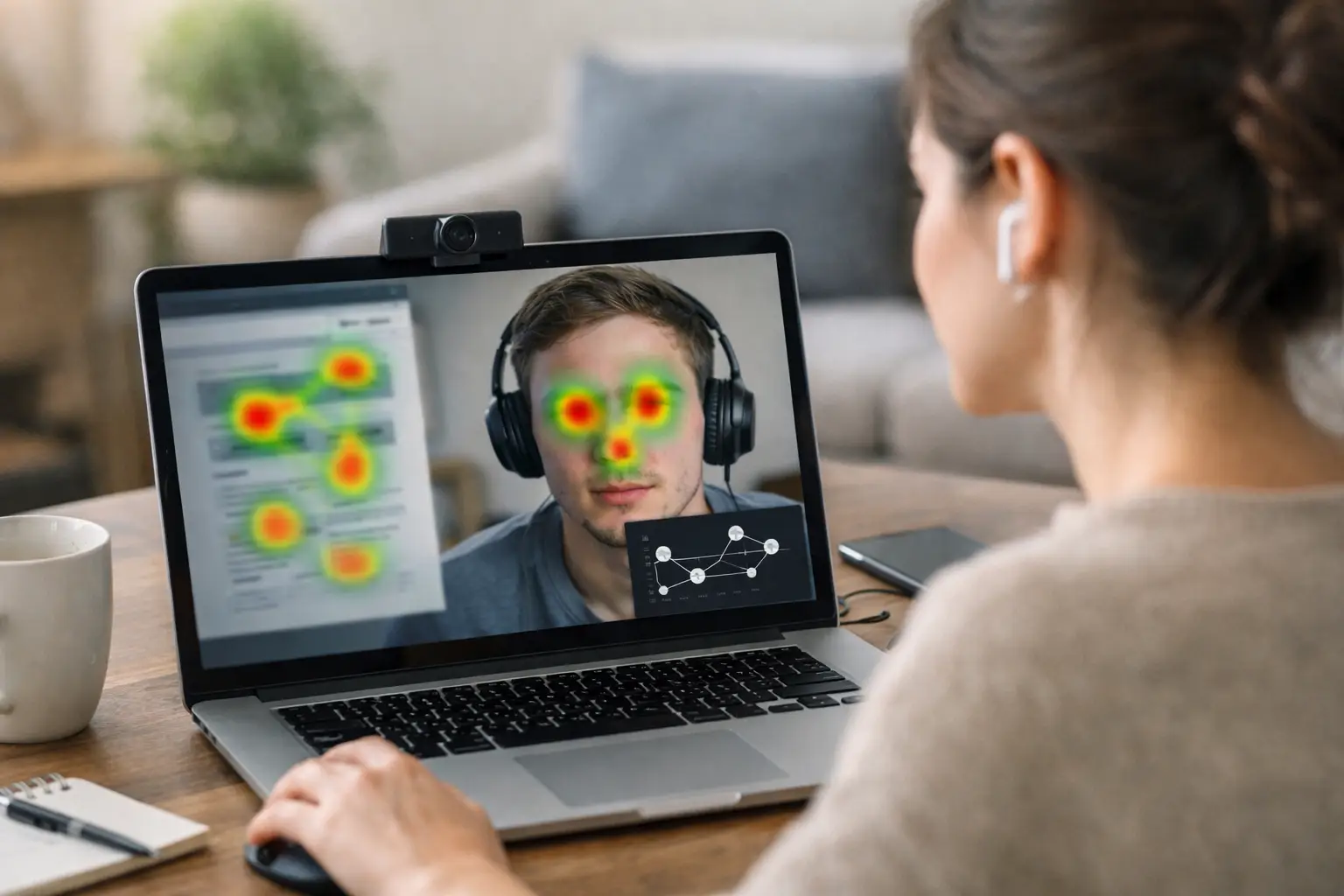
Eye-tracking adds evidence that other remote methods cannot provide: what participants actually looked at, in what order, and for how long. Heatmaps and fixation plots can show whether a key message, call to action, price, product image, legal disclosure, or navigation element was noticed.
This is particularly useful when visibility is the central question. A usability test may show that users eventually found a filter, but attention data can reveal whether its placement caused the delay. In advertising, packaging, and landing-page research, it can show whether brand elements receive meaningful attention before a participant moves on.
Webcam-based eye-tracking makes this approach accessible without specialized lab hardware. Platforms such as RealEye allow researchers to build browser-based studies, combine eye-tracking with surveys and behavioral measures, and analyze attention data from remote participants. It is a practical option when teams need visual evidence at a scale that traditional lab research cannot easily support.
Moderated interviews for context and deeper diagnosis
Moderated sessions remain valuable when a product is complex, the audience is specialized, or the team needs to explore decision-making in detail. A researcher can probe misunderstandings, observe workarounds, and adapt questions as new patterns emerge.
These sessions are lower-volume and require more coordination, so they are rarely the only method a team needs. They work best as a complement to broader remote testing: use quantitative patterns to identify what is happening, then use interviews to understand why.
How to choose remote UX research tools without creating a crowded stack
A long list of features does not guarantee useful research. The better choice is the platform or combination of tools that fits your study design, participant access, and reporting needs.
First, identify the evidence needed for the decision. If stakeholders are debating whether users can complete a workflow, task success and recordings may be enough. If they are debating whether users notice a value proposition or a required disclosure, include attention measurement. If the question concerns motivation or language, pair behavioral data with open-ended responses or interviews.
Next, consider participant quality and recruitment flexibility. You may need to recruit from your own database, an external panel, or both. For B2B products, a smaller set of well-qualified participants can be more valuable than a large general-population sample. For consumer pages or creative testing, a broader sample may be appropriate. The tool should support screening, device requirements, and clear consent processes without making participation unnecessarily difficult.
Data quality controls deserve equal attention. Remote studies happen across different devices, browsers, lighting conditions, and network connections. A credible platform should make it easy to identify incomplete sessions, calibration failures, low-quality eye-tracking samples, and participants who did not engage with the task. Excluding poor data is not a flaw in the study. It is part of protecting the validity of the findings.
Finally, plan for analysis before launching. Ask who needs the results and what they need to see. Product designers may need clips and task paths. Executives may need a concise finding with a visual proof point. Researchers may need exports, detailed metrics, or API access for further analysis. A tool that collects data well but makes results difficult to share can slow down the decision it was meant to support.
A practical workflow from question to decision
Start with one decision statement, not a broad request for feedback. For example: “Can first-time visitors identify the annual-plan savings and begin checkout without assistance?” This framing determines the task, the success criteria, and the metrics worth reviewing.
Build the study around a realistic scenario. Participants should have enough context to act naturally, but not so much direction that the task gives away the answer. If you are testing a live page, control the experience as much as possible by checking page load behavior, redirects, pop-ups, and mobile layouts before launch.
Run a pilot with a few participants. Review recordings, responses, and any calibration data. A pilot frequently catches unclear instructions, broken prototype links, or questions that participants interpret differently than the research team intended. Fixing these issues early is faster than explaining questionable findings later.
When results arrive, look for converging evidence. A heatmap alone does not prove a design problem, just as a single quote does not establish a pattern. Confidence increases when missed attention, longer task times, repeated clicks, and participant comments point to the same issue. Conversely, conflicting signals may indicate a segment difference or a question that needs deeper follow-up.
Turn findings into a testable recommendation. Rather than saying “users struggled with pricing,” specify the observed behavior and the proposed change: “Participants focused on the monthly price before noticing the annual savings; move the savings message closer to the price and test whether first-click selection improves.” This gives design and product teams a clear next step.
Make attention data useful, not decorative
Heatmaps are compelling visuals, but they should serve a defined research question. Before reviewing them, decide which areas of interest matter and what a meaningful outcome would look like. On a product page, that could be the product image, price, shipping information, ratings, and add-to-cart control. On a landing page, it might be the headline, proof points, form, and primary call to action.
Interpret attention in context. A heavily viewed element is not automatically effective. Users may stare at it because it is confusing. A lightly viewed element may be unimportant, or it may be a critical message that the design failed to surface. Pair attention metrics with task outcomes and participant feedback before making a recommendation.
The most useful remote research programs do not wait for a major redesign. They make evidence part of ordinary product work: test the message before the campaign launches, check the flow before development is complete, and validate the change before it becomes the next costly assumption.